Claude Code 백그라운드로 실행하기
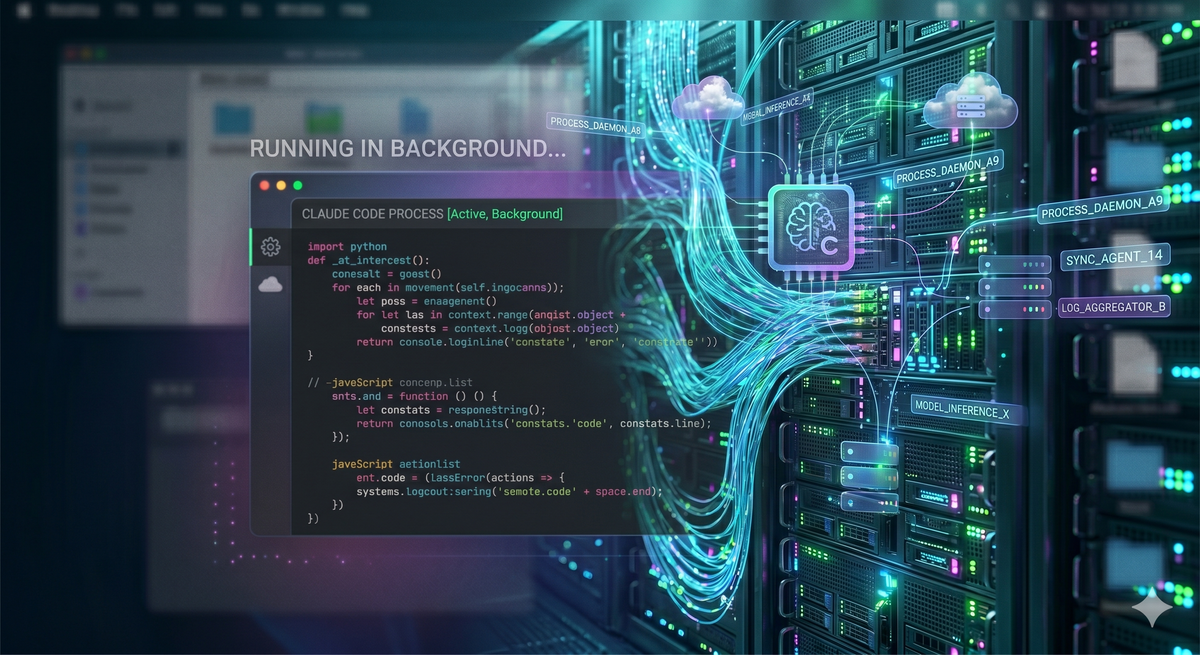
Claude Code에서 채널을 지원하기 시작하면서 많은 상황이 바뀌게 되었다. 거기다가 API 기반으로 기능을 구현할 경우, 결국에는 별도의 비용을 소비해야하는 상황이다보니 결국은 Claude Code를 백그라운드로 돌리고, 디스코드나 텔레그램으로 조작하거나 결과를 받아 볼 수 있게 만드는 방법이 필요하게 되었다.
일단 다양한 방법으로 진행할 수 있으나, 중간에 사용자의 입력없이 인터럽트를 걸고 다른 작업을 수행할 수 있게끔 만들려고 하니 tmux를 사용하는게 가장 좋아보였다.
tmux를 이용하여 systemd에 서비스를 추가하여 돌게끔 아래와 같이 세팅하였다.
기본적으로 claude code를 claude 계정 홈에서 돌도록 하였고, channel을 지원하기 위해 bun도 설치해줄 필요가 있다.
claude@server:~$ curl -fsSL https://claude.ai/install.sh | bash
...
...
...
claude@server:~$ curl -fsSL https://bun.sh/install | bash
위와 같이 설치하고 claude를 1회 실행해준다. 이때 기본적인 discord와의 연결(paring)까지 진행하고 아래 서비스 파일을 생성한다. 그리고 tmux를 설치해준다.
tmux의 경우 debian 계열일 경우에는 심플하게 apt install로 설치해준다.
[Unit]
Description=Claude Code Background
After=network.target

[Service]
Type=oneshot
RemainAfterExit=yes
Environment=PATH=/home/claude/.bun/bin:/home/claude/.local/bin:/usr/local/bin:/usr/bin:/bin
WorkingDirectory=/home/claude
ExecStart=/usr/bin/tmux new-session -d -s claude /home/claude/.local/bin/claude --dangerously-skip-permissions --continue --channels plugin:discord@claude-plugins-official
ExecStop=/usr/bin/tmux kill-session -t claude

[Install]
WantedBy=multi-user.target
아래 명령어로 새로고침하고 서비스 등록을 해준다.
claude@server:~$ sudo systemctl daemon-reload
claude@server:~$ sudo systemctl enable claude-code.service
claude@server:~$ sudo systemctl restart claude-code.service
자, 그럼 백그라운드로 돌아가는 것을 보실 수 있다. 그 이후에 혹시 명령어나 무언가를 claude code에 주입할려면
claude@server:~$ tmux send-keys -t claude "안녕"
claude@server:~$ tmux send-keys -t cluade Enter
위와 같이 메시지를 보내면 됩니다. 만약 기타 파일로 저장된 명령을 주입하려면
claude@server:~$ cat [filename] | tmux load-buffer - && tmux paste-buffer -t claude요렇게 주입해주면 됩니다.